How YouTubers Use Fake ChatGPT Screenshots for Clicks
Ever noticed how many YouTube thumbnails feature ChatGPT conversations? Most of them are fake - and that's completely fine. Here's how top creators use fake ChatGPT screenshots to boost their CTR and get more views.
Why ChatGPT Screenshots Work in Thumbnails
ChatGPT thumbnails have become one of the most clicked formats on YouTube. Here's why they're so effective:
- Instant Recognition: Everyone knows the ChatGPT interface - it's instantly recognizable
- Curiosity Gap: Viewers want to see what AI "said" in response
- Authority Signal: AI responses carry implied expertise
- Controversy Potential: "ChatGPT says X" creates debate in comments
- Trend Riding: AI is the hottest topic of 2026
The Problem with Real ChatGPT Screenshots
Why don't YouTubers just use real ChatGPT responses? Several reasons:
- Unpredictable Responses: Real ChatGPT gives safe, boring answers
- No Control: Can't get the exact punchline you need
- Refusals: ChatGPT refuses controversial or edgy prompts
- Time Consuming: Prompt engineering takes forever
- Rate Limits: API limits for heavy users
- Inconsistent Styling: Interface changes break your workflow
That's why smart creators use fake AI conversation generators to craft pixel-perfect thumbnails with complete control over the content.
5 Thumbnail Strategies That Get Clicks
1. The "Shocking Answer" Thumbnail
Format: Question prompt + surprising/controversial AI response
Example: "Is [Celebrity] overrated?" -> "Based on my analysis, yes because..."
Why It Works: Creates immediate controversy, encourages clicks to see if it's real
2. The "AI Roast" Thumbnail
Format: "Rate my [thing]" + brutal honest response
Example: "Rate my setup" -> "2/10. The cable management alone..."
Why It Works: Schadenfreude + curiosity about what's so bad
3. The "AI Prediction" Thumbnail
Format: "Who will win [event]?" + confident prediction
Example: "Who wins the Super Bowl?" -> "[Team] by 14 points"
Why It Works: Sports/competition fans love hot takes
4. The "Comparison" Thumbnail
Format: "[A] vs [B], which is better?" + definitive answer
Example: "iPhone vs Android?" -> "Here's why Android wins..."
Why It Works: Fan wars = engagement
5. The "Life Advice" Thumbnail
Format: Personal question + unexpectedly deep response
Example: "How do I find my purpose?" -> profound answer
Why It Works: Emotional resonance, shareability
How to Make High-CTR ChatGPT Thumbnails
Script Your Conversation First
Write the exact exchange you want. The AI response should have a clear hook visible in thumbnail size (usually just the first 1-2 lines).
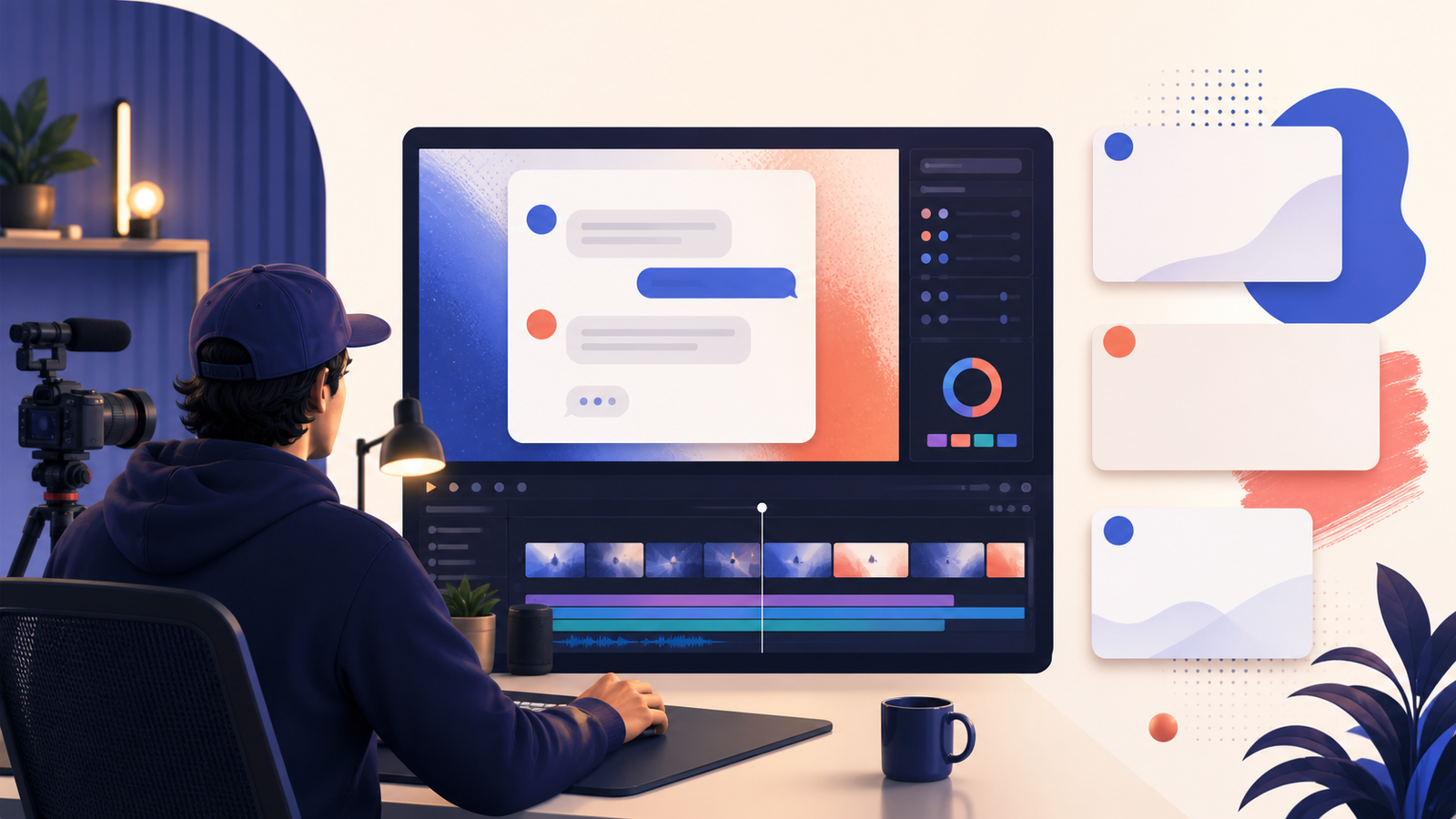
Create with FakeAIChat
Use FakeAIChat to generate a pixel-perfect ChatGPT screenshot. Select dark mode for better YouTube contrast.
Export at High Resolution
Download as PNG at the highest quality. YouTube thumbnails should be 1280x720 pixels minimum.
Add Visual Highlights
In your editor (Photoshop, Canva), highlight the key text with:
- Yellow/red text highlighting
- Arrows pointing to the punchline
- Your reaction face on the side
- Emoji overlays for emotion
A/B Test Variations
Create 2-3 thumbnail versions and test which gets the highest CTR. YouTube lets you change thumbnails anytime.
Thumbnail Design Best Practices
Text Visibility
- Maximum 2-3 lines of readable text
- Font size should be readable at mobile size
- Contrast is key - dark mode screenshots work best
- Highlight the most important words
Composition
- Screenshot takes 60-70% of thumbnail
- Leave room for your face/reaction (if using)
- Don't crop the ChatGPT interface - recognition matters
- Consider where YouTube overlays appear (timestamp, etc.)
Emotional Triggers
- Shock: Unexpected AI responses
- Curiosity: Partial answers that need context
- FOMO: "This changed everything"
- Controversy: Hot takes people will debate
Real Examples from Top Creators
MrBeast Style
"I Asked ChatGPT How to Make $1,000,000" + shocked face + highlighted response
Tech Review Style
"ChatGPT vs Gemini vs Claude: Which AI Wins?" + split-screen comparison
Commentary Style
"ChatGPT's Opinion on [Hot Topic] is WILD" + controversial quote highlighted
Tutorial Style
"ChatGPT Trick That Nobody Knows" + screenshot of the "secret" prompt
Ethics and Transparency
Using fake ChatGPT thumbnails is standard practice, but consider:
- Content Should Match: Don't bait with a thumbnail you don't deliver on
- Disclose When Asked: Be honest if viewers ask if it's real
- Avoid Misinformation: Don't spread fake AI "facts" as real
- Entertainment Context: Comedy/entertainment gets more leeway
- Educational Value: Teaching AI concepts justifies simulation
Common Mistakes to Avoid
- Outdated Interface: Use current ChatGPT design (FakeAIChat stays updated)
- Too Much Text: Thumbnails should be scannable in 1 second
- Low Resolution: Blurry screenshots look unprofessional
- Boring Responses: If the AI answer isn't interesting, rewrite it
- Wrong Aspect Ratio: Stick to 16:9 for best display
- Clickbait Without Payoff: Thumbnail promises must match content
Start Making Click-Worthy Thumbnails
The difference between a viral video and a flop is often just the thumbnail. Fake ChatGPT screenshots give you complete creative control to craft the perfect hook.
Use FakeAIChat to create professional, pixel-perfect thumbnails in seconds - completely free.